
Add an item yourself (events, listings and photos)
Admins can add things directly instead of waiting for someone to send them in.
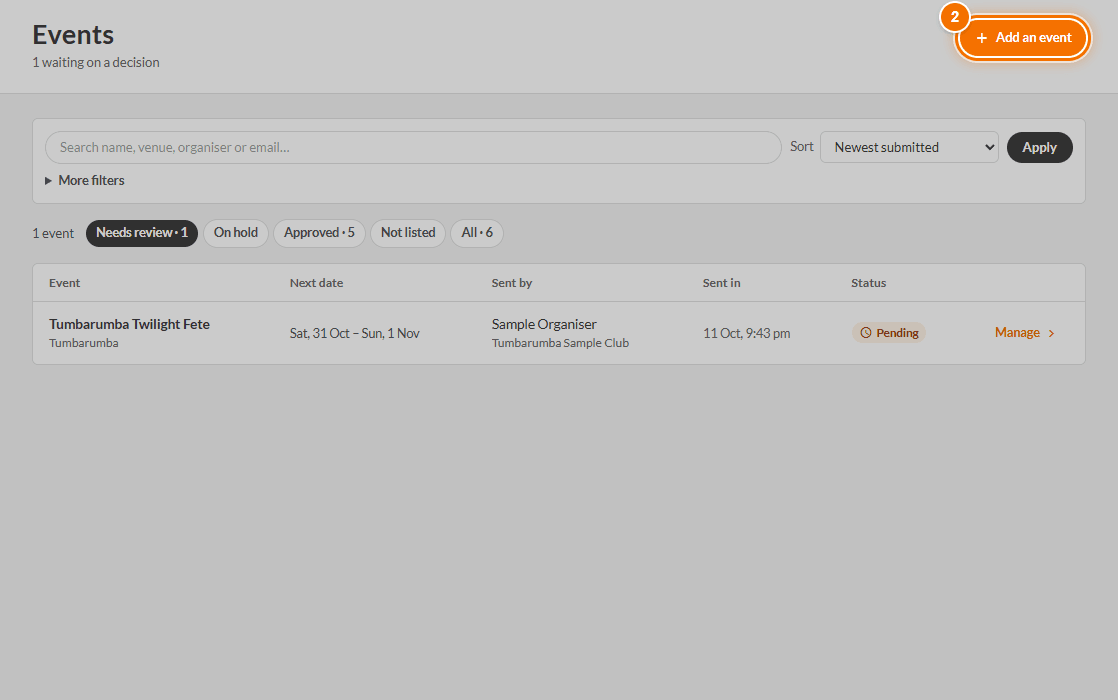
- Open Admin → Events, Businesses or Gallery.
- Press Add an event, Add a listing or Add a photo at the top.
- Fill in the same steps anyone else would. See How to add an event, a business or place and a photo.
To fix something that is already there, open it and press Edit the details, then Save changes. Edits made by an admin are saved without emailing anyone.
TODO (client): Confirm whether admin-added items publish immediately, and add a section on the admin 'Add a photo' route.