
How to send in a photo
Share something from around town: an event, the footy, the frost on the rail trail. It goes in the community Gallery.
Steps
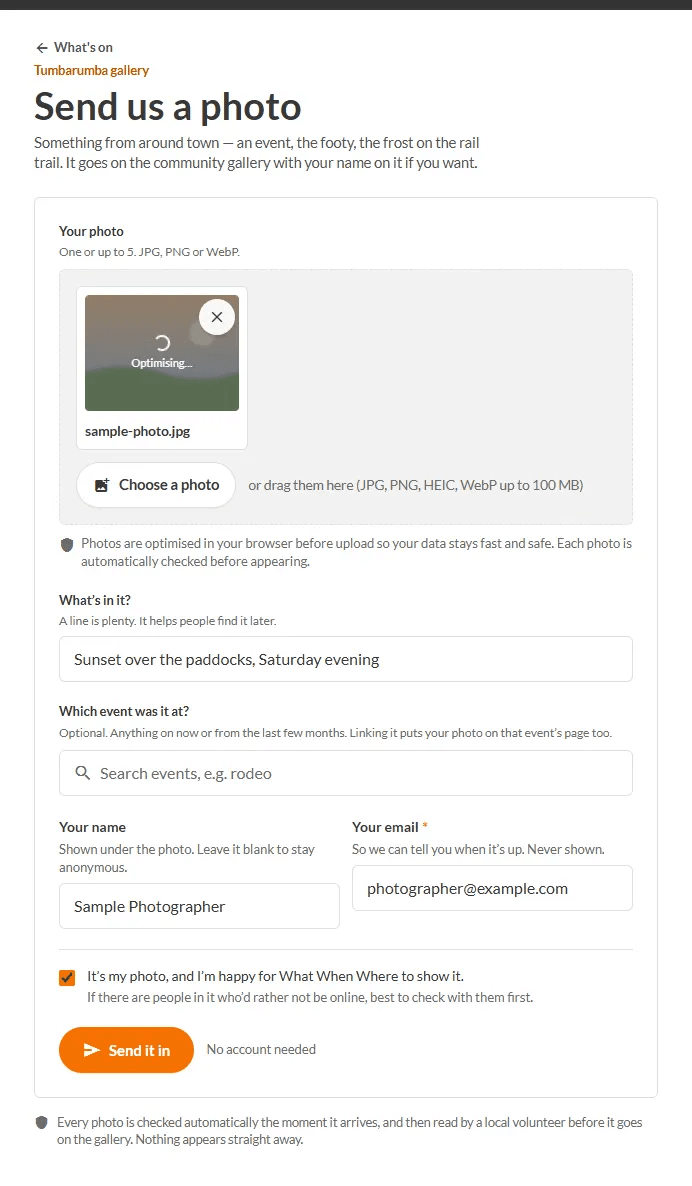
- Tap Add then A photo (or Send a photo).
- Choose Your photo. You can send one, or up to five at a time (JPG, PNG, WebP or HEIC).
- Add a line under What's in it? to help people find it later.
- If it was taken at an event, search under Which event was it at?. This also puts the photo on that event's page.
- Add Your name if you want credit (leave blank to stay anonymous) and Your email (never shown; so we can tell you when it is up).
- Tick that it is your photo and you are happy for What When Where to show it. If people in it would rather not be online, check with them first.
- Press Send it in.
Why is it not public straight away?
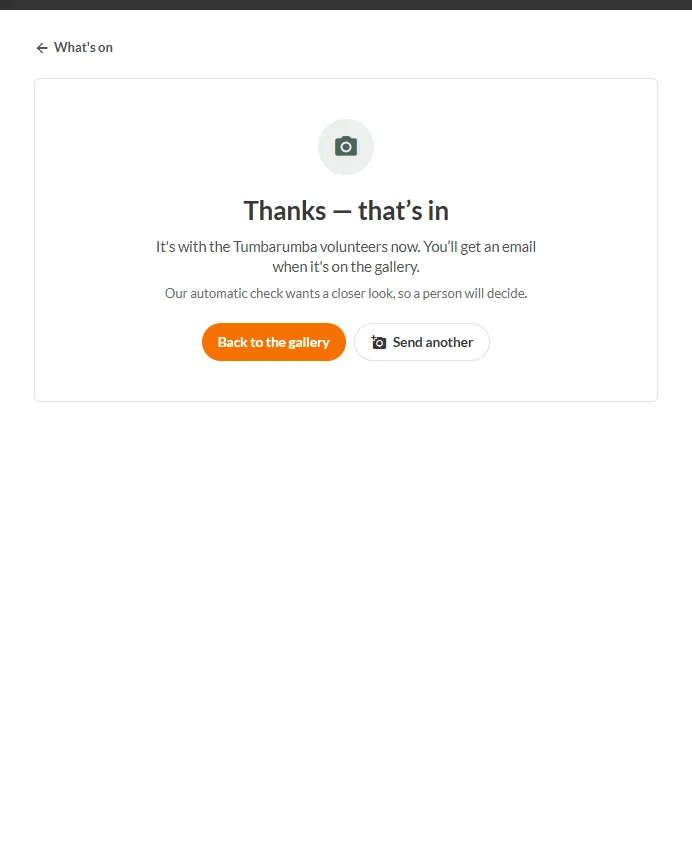
Every photo is checked automatically the moment it arrives, and then read by a local volunteer before it goes on the Gallery. Nothing appears straight away. You will get an email when it is up. Sometimes the automatic check wants a closer look, and then a person decides.
You can take a photo down later from the link in your email.