
Create an event that repeats (a recurring What)
Weekly markets, monthly meetings, a run of rehearsals: you can repeat an event without typing every date. You can also add dates by hand that no pattern would make.
Where
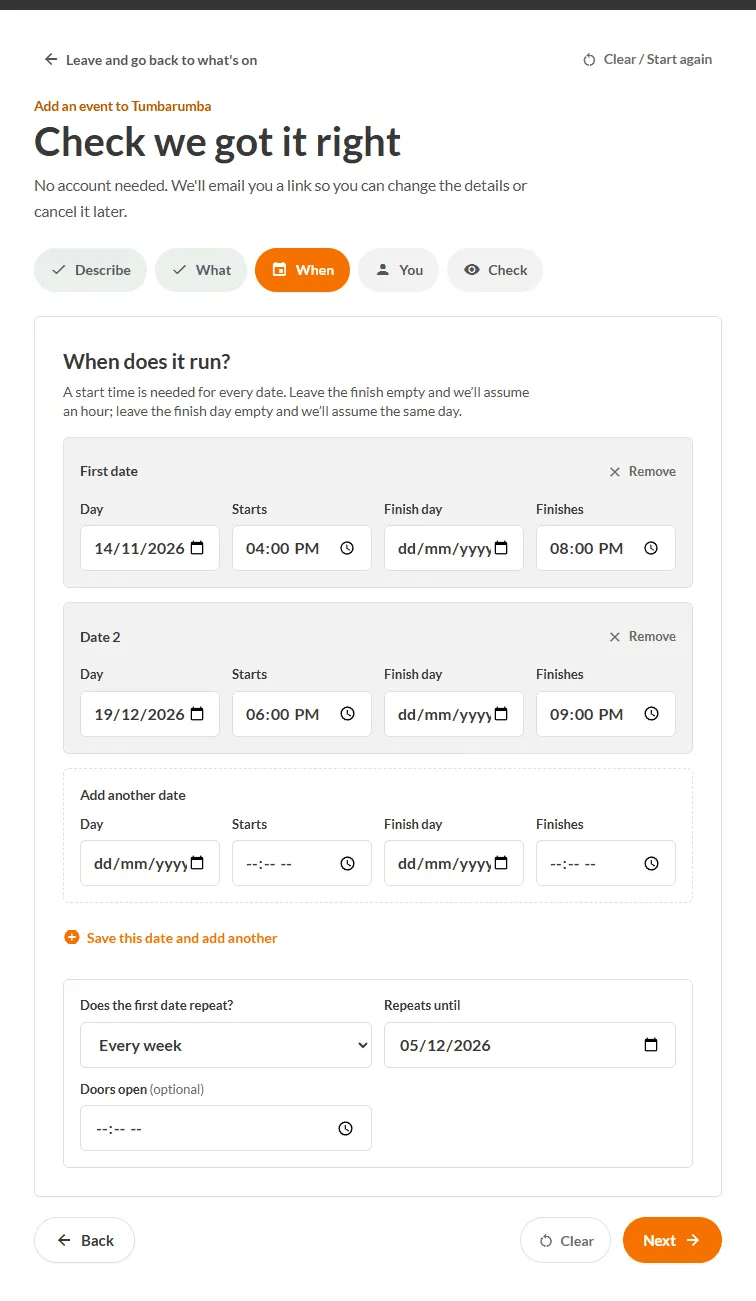
On the When step of adding an event.
Steps
- Fill in the First date: Day, Starts, and optionally Finish day and Finishes. (No finish time? We assume an hour. No finish day? The same day.)
- Under Does the first date repeat? choose Every week, Every fortnight or Monthly, same weekday (for example, the 2nd Tuesday).
- Set Repeats until.
- Optionally set Doors open.
Adding extra dates
Press Save this date and add another and fill in a new row. Use Remove to delete one. On the Check step, All dates lists everything people will see.
The thing to know
The repeat only copies the first date. The dates you add by hand are kept exactly as typed, even if you later change the pattern. And when people search "this weekend" or "today", they are matching the actual dates of your event, so a market that runs every Saturday shows up on every Saturday.