
About my profile (your account)
Open your profile with the person icon in the top bar. You will be asked to sign in first.
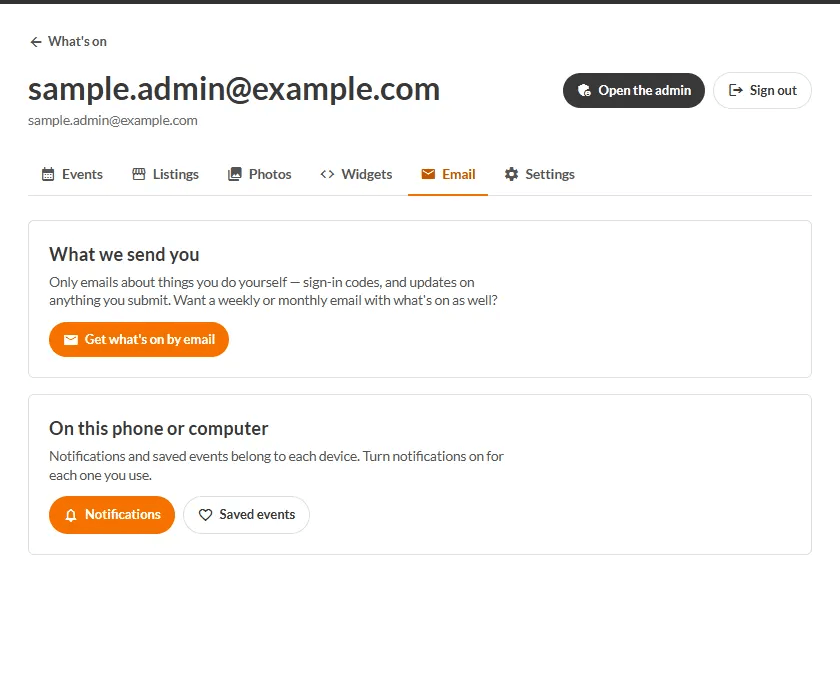
What is in it
| Tab | What it is for |
|---|---|
| Events | Events you have added, and where each one is up to. |
| Listings | Businesses and places you have listed. |
| Photos | Photos you have sent in. |
| Widgets | Embeds of the calendar for your own website. |
| What emails you get, and links to Notifications and Saved events. | |
| Settings | How you sign in, your town, sign out, and deleting your account. |
Status of something you submitted
- With the local approvers - usually a day or so.
- Live on the calendar - approved.
- Not listed - check your email for why; you can fix it and send it back.
- An approver has a question - they will be in touch.
Every email we send you about a submission has a private link to change or cancel it, with no password.
Deleting your account
Go to Settings → Leaving → Delete my account. We email you a link to confirm first, so it cannot happen by accident.
TODO (client): The Events, Listings, Photos and Widgets tabs on the live account page do not yet list a person's own submissions (they show 'Nothing here yet'). Confirm what the client wants described before publishing, and re-shoot once built.